



Winzoria App
Winzoria App is a browser-based platform that opens casino games on smartphones, tablets, and computers without a native installation. It runs as a progressive web application, so the game lobby, wallet, and account tools stay available on any device after a single login.
The sections below describe how the platform behaves on Android, iOS, Windows, and macOS and which format suits different situations. Members who move between devices keep the same balance, bonuses, and settings everywhere.



Winzoria Mobile Casino
Winzoria mobile casino works as a PWA inside the phone browser, so players can start a session without visiting an app store. Games, payments, and support open in the same interface that desktop users see.
Open the website on a phone, sign in, and the lobby loads within seconds. Slots, live dealer tables, and crash titles keep the quality of the desktop version. The platform compresses game files for cellular networks, which means a steady 4G connection is enough for live streams. A round continues from the point where you paused it on another device.
Your balance, active offers, and verification status update in real time across every screen. Deposits and withdrawals go through one wallet interface, and each transaction shows a confirmation right away. If a question comes up during setup, the Support Team replies in live chat at any hour, directly inside the Winzoria Casino interface.
The table below compares a phone session with playing on a computer, so users can choose the format that fits the moment.
| Aspect | Winzoria Mobile | Winzoria on PC |
| Entry point | Home-screen shortcut or mobile browser | Any desktop browser tab |
| Controls | Touch input adapted for small screens | Mouse precision and keyboard shortcuts |
| Typical use | Short sessions away from home | Longer sessions on a large display |
| Traffic | Compressed assets lower data use | Standard page loading |
| Updates | Applied automatically in the background | Refresh the page to load the newest version |
What Are the Pros and Cons of the Winzoria Mobile App?
The Win Zoria app and the desktop site have the same content, so the choice comes down to practical details. The main advantages of the mobile format are the absence of installation files, automatic updates, and low storage use. The app also works on every major operating system without separate versions.
There are limits to keep in mind as well. The platform needs a stable internet connection, and offline options are smaller than in a classic native application. Progress in tournaments and the loyalty program transfers between devices instantly, so switching formats costs nothing.
Mobile Application for Android
Winzoria on Android needs Android 8.0 or newer and runs on most current phones and tablets. Google Play is not part of the process: open the site in Chrome, tap the browser menu, and choose Add to Home Screen. The new icon starts the Winzoria app in full-screen mode and hides browser elements such as the address bar.
Every desktop function works in the Android version. Bonus activation, tournament leaderboards, and wallet operations are in the same menu positions, so returning players find familiar tools immediately. Push notifications about promotions work after you activate them on the first launch. Users who prefer quiet sessions can turn these alerts off in the system settings later.

Winzoria on iPhone and iPad
iPhone and iPad owners install the Winzoria app through Safari rather than the App Store.
The steps take under a minute:
- Open the Winzoria website in Safari.
- Tap the Share icon at the bottom of the screen.
- Select Add to Home Screen and confirm the name.
- Wait a few seconds until the shortcut appears in the phone menu.
- Tap the new icon, log in and continue playing.
After installation, iOS users receive the same lobby, wallet, and promotions as everyone else. The layout adjusts to the screen automatically: portrait mode keeps slot reels centered, while landscape mode shows the full table view for card games. On the iPad, the interface widens, which gives live dealer tables extra space for statistics and chat. For additional protection, hold the shortcut and enable Require Face ID if the device supports this option.
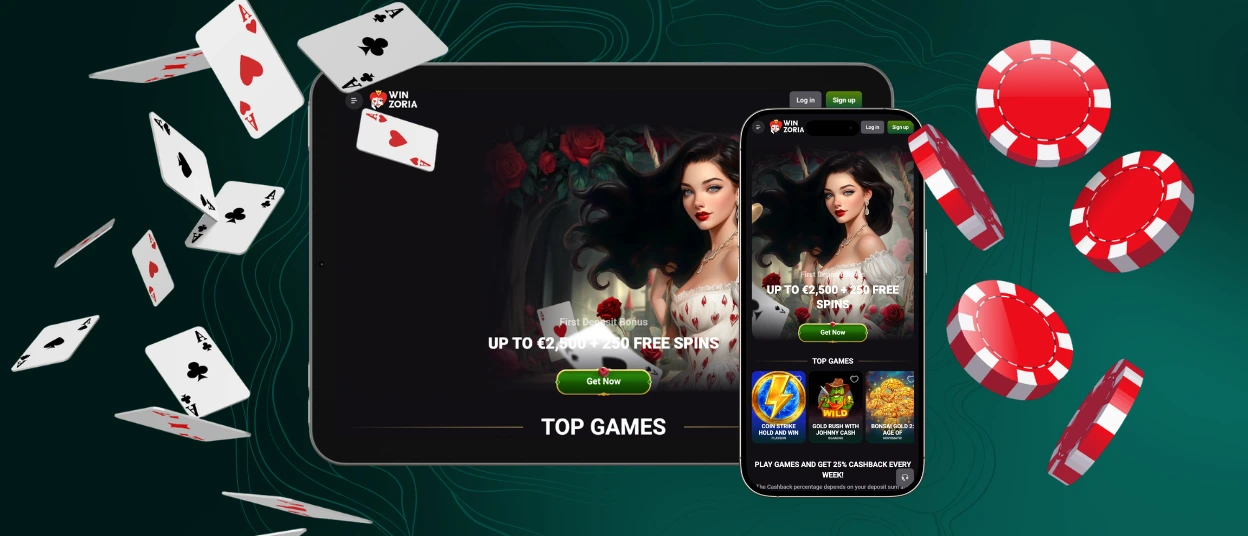
Win Zoria for Windows and macOS
Winzoria on a computer runs in Chrome, Safari, Edge, or Firefox with no download. A large monitor keeps long sessions comfortable, and mouse control adds precision in table games. Keyboard shortcuts speed up bet changes in supported titles, and full-screen mode leaves only the game on display.
Desktop players can also pin the platform: Chrome and Edge offer a PWA installation button in the address bar, which places the Winzoria Casino lobby on the taskbar or dock for one-click access. Removing this icon later does not affect the account, and gaming progress stays intact on the servers.

Device Compatibility
The Winzoria app covers most devices released within roughly the last seven years. Screens about 4.7 inches in size display the lobby comfortably, and the layout rearranges itself for portrait or landscape orientation. Older devices handle the platform too, because the code stays light and avoids heavy background processes.
Current versions of Chrome, Safari, Firefox, and Edge are supported, so a routine browser update is the only maintenance a member ever needs to perform. Account data lives on the servers rather than on the device. Moving to a new phone, therefore, takes one Win Zoria login and nothing more.
PWA Security Advantages
Web technology brings several practical safety benefits, and the application applies each of them by default:
- HTTPS encryption protects every connection between the device and the platform.
- Automatic updates remove the risk of running an outdated version.
- No APK sideloading is involved, which lowers exposure to malware.
- TLS protocols cover each login and payment session.
These measures work in the background and need zero configuration, so protection is active from the first visit. Together with account tools such as two-factor authentication, they give every Winzoria Casino session an extra layer of defense.
FAQ
Are all games available in the Winzoria app?
Yes, the Winzoria app has the same game library as the desktop site, with minor exceptions for licensing reasons. Slots, live dealer rooms, and crash titles run in identical versions on every platform. Search filters and provider categories work the same way, which keeps navigation familiar on a small screen.
Do I need to create an account to use the app?
No new account is needed if you already have one. Existing players sign in through the app with their current credentials. New users can complete the registration form directly inside the application and start playing after confirming their details.
Can I withdraw my winnings through the application?
Yes, withdrawal requests go through the payment section of the Winzoria app. It supports bank cards and several other methods. The account must pass verification before the first payout. Players who encounter questions at this step can reach support via the live chat button.


